Landing pages that pick up where your ad left off
Pick a product, a page type and an offer. BrandyBee writes the page in your brand voice, draws it in your brand colors and publishes it to your Shopify store.
A 20% off page for our serum, for the spring Meta ad
A page for every job your ads give it
Each type makes a different argument, in the order that argument usually runs. Pick one to see the page BrandyBee built for a demo brand, on a desktop and a phone.
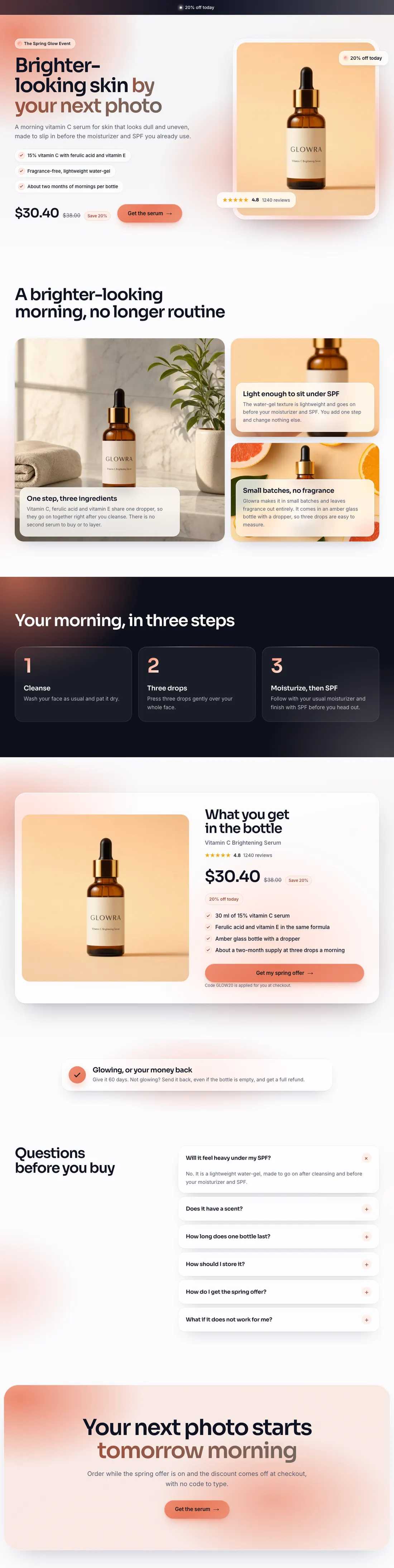

Offer page One product and one offer for the people your ads send: the promise, the reasons, the offer card and the answers, with your discount code applied at checkout.
The same page, five different looks
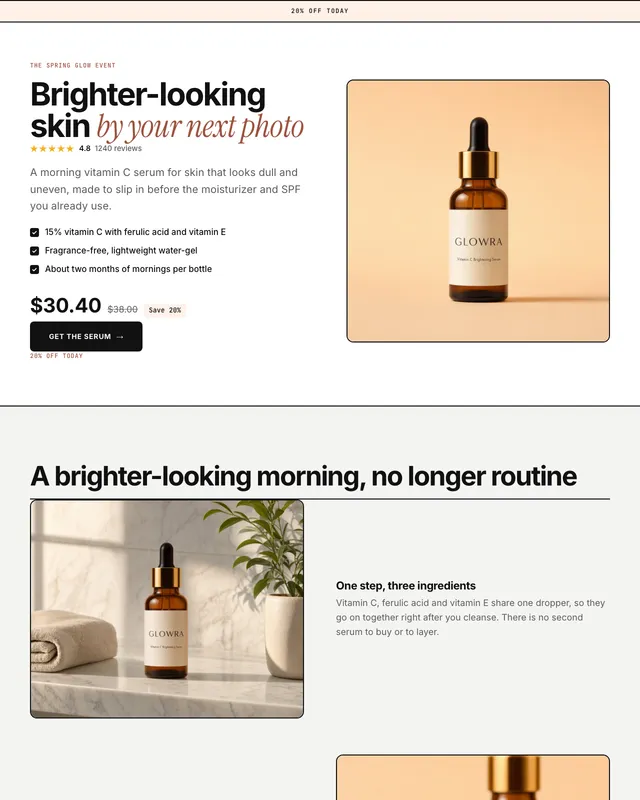
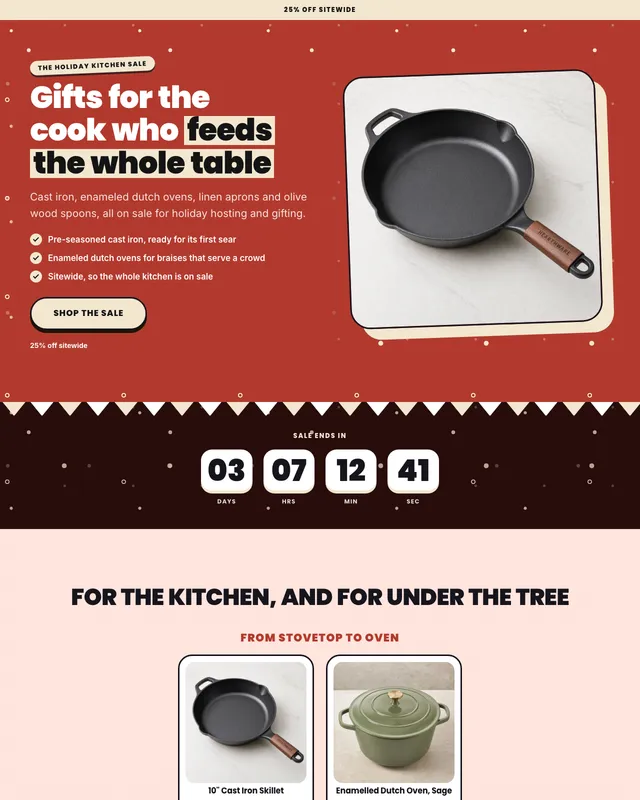
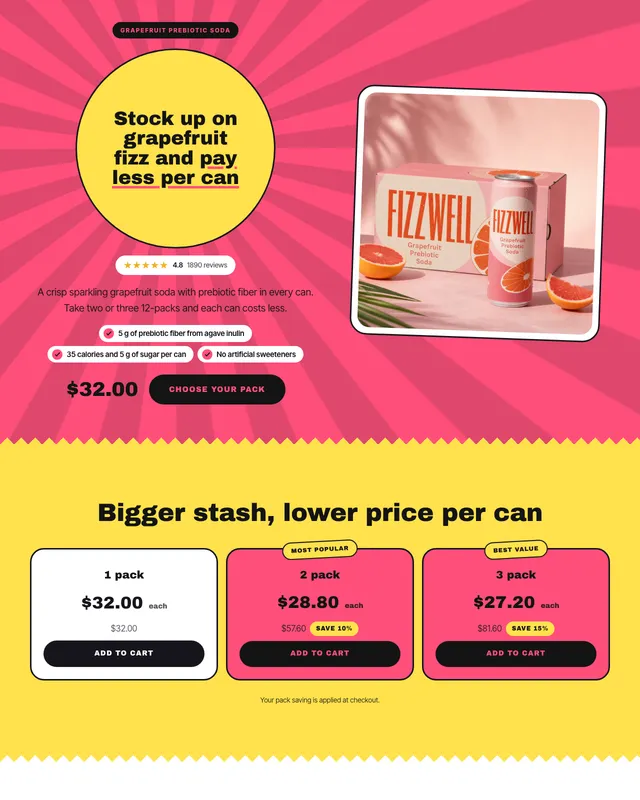
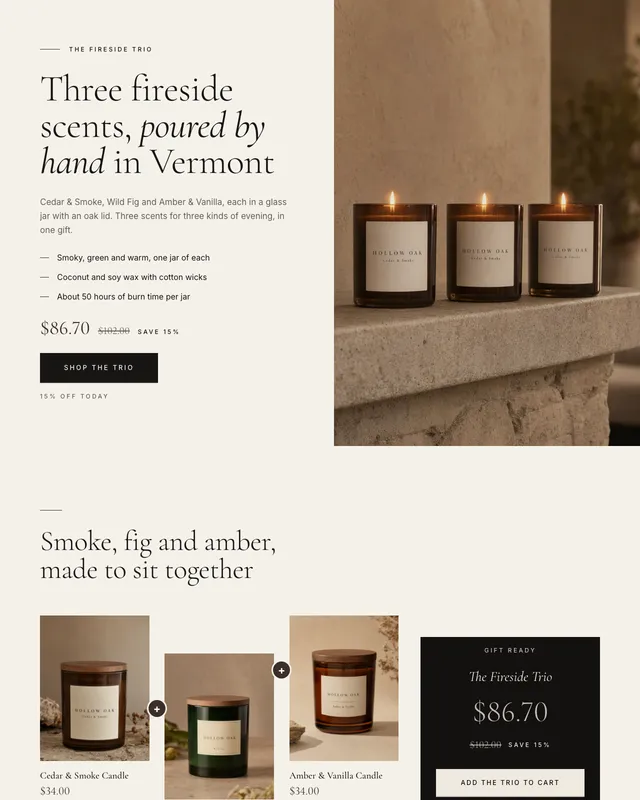
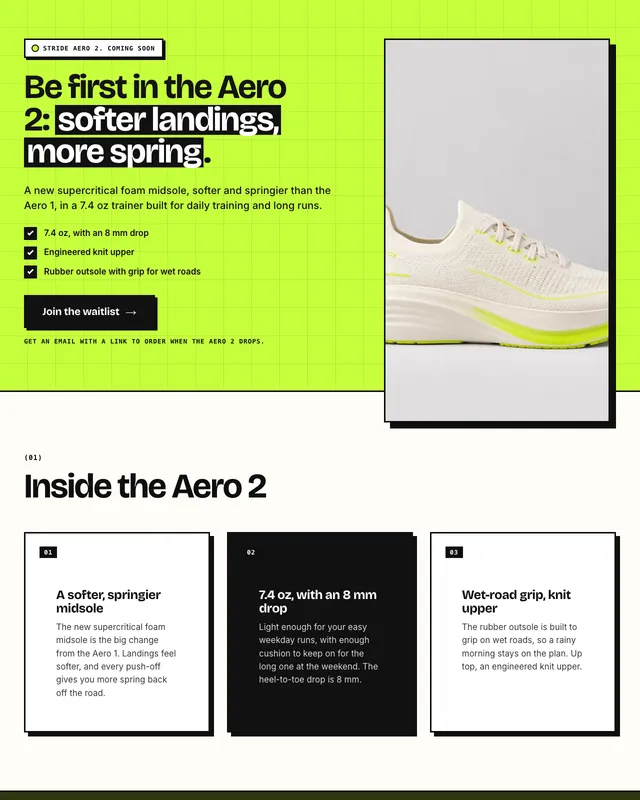
The Glowra offer page in five of the 14 designs. The words, the offer and the product stay the same. The layout, type and shapes change, always in the brand's own two colors.
- Glow
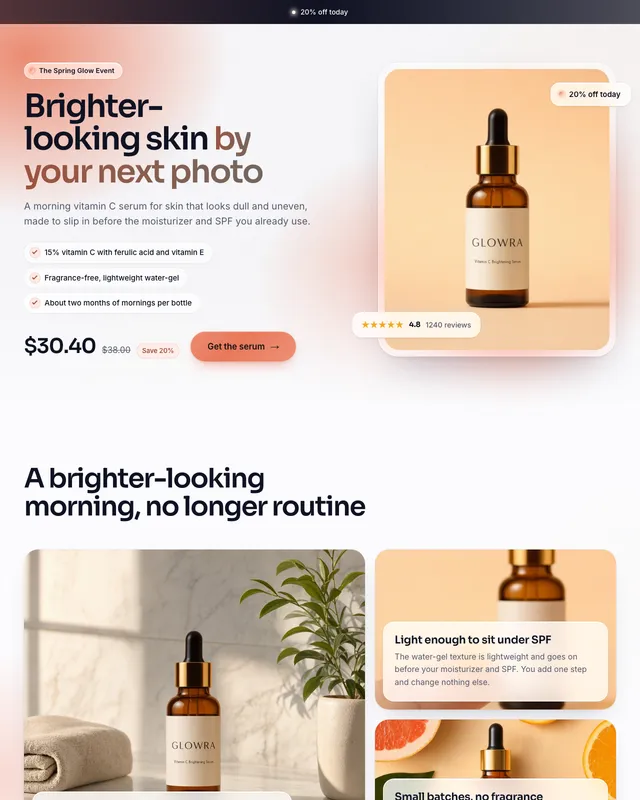
- Bold
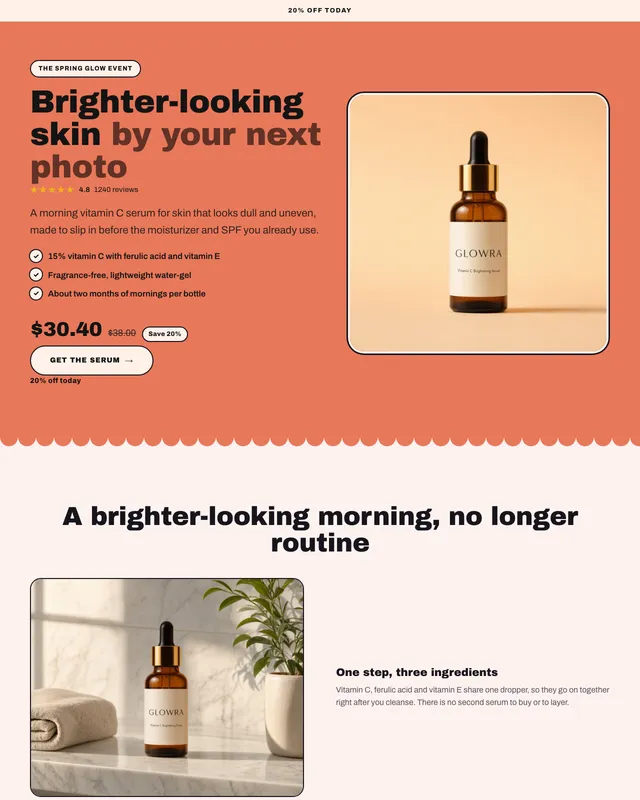
- Atelier
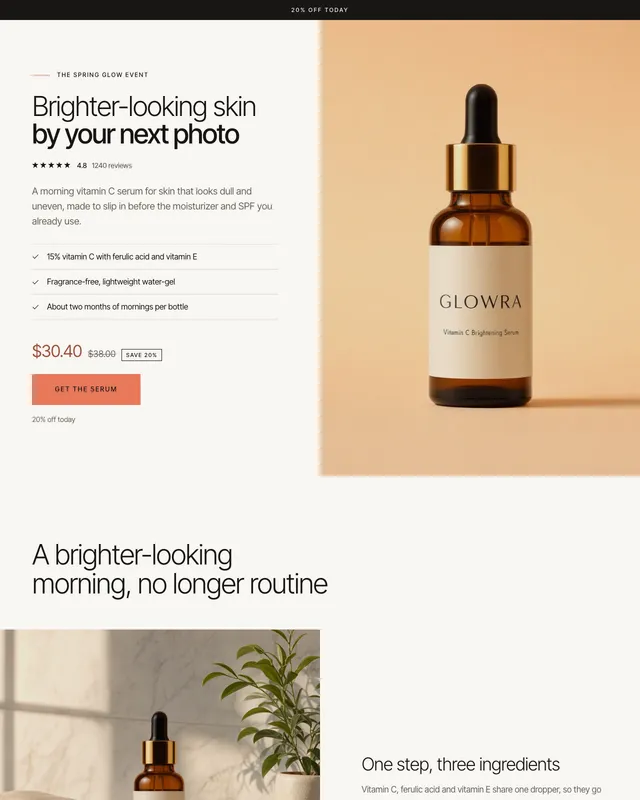
- Arch
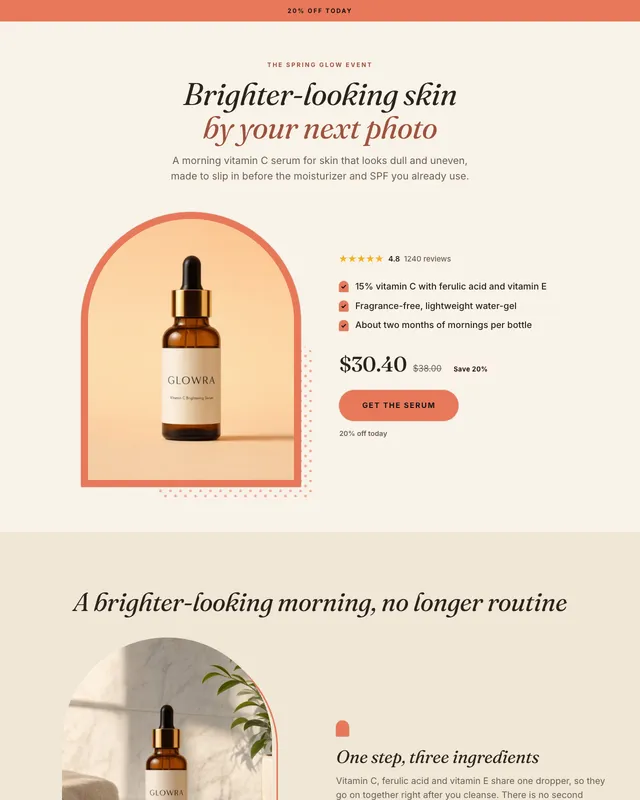
- Clean
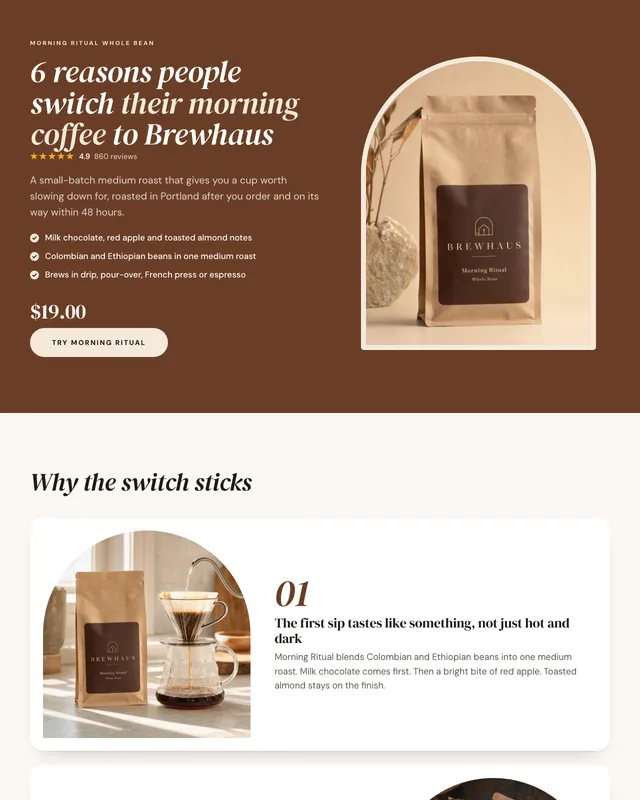
14 designs, every one in your colors
Any page type works in any design. Each one is drawn in your brand's two colors, so the page looks like your store rather than a template.
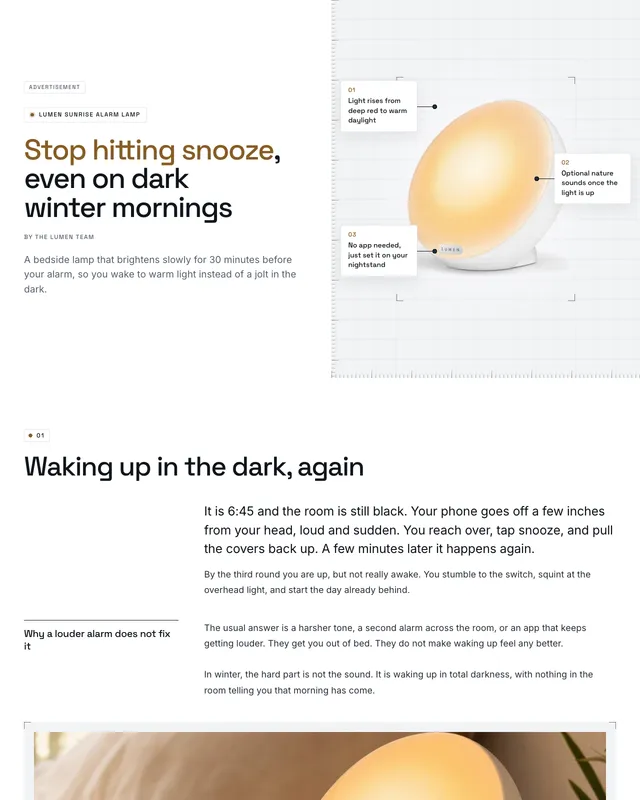
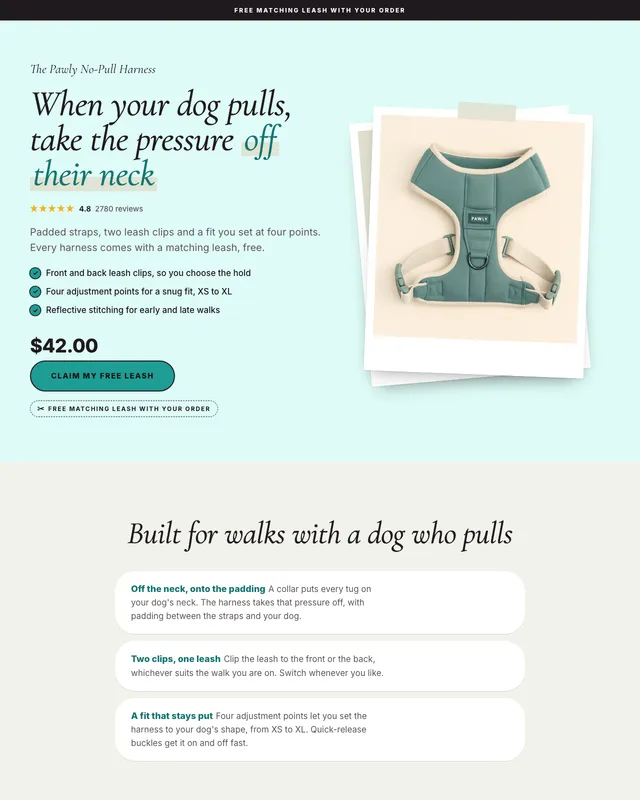
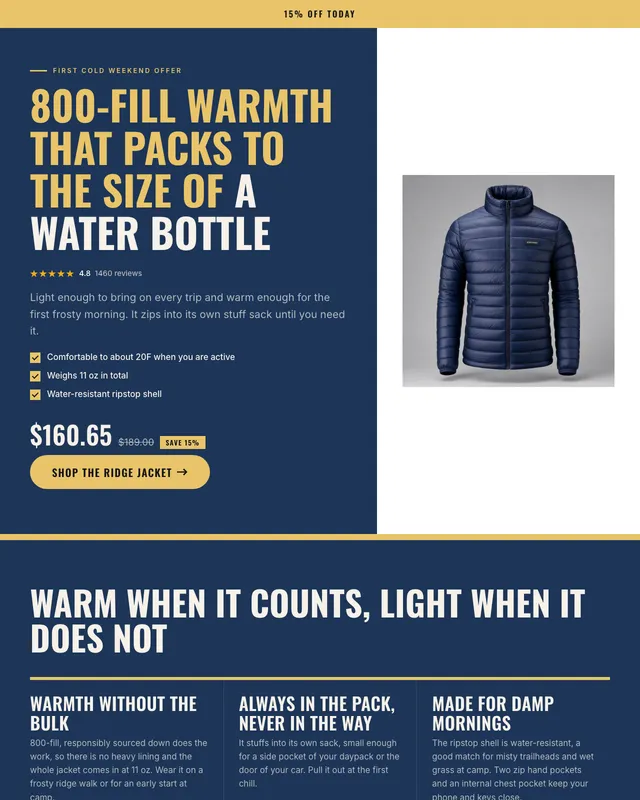
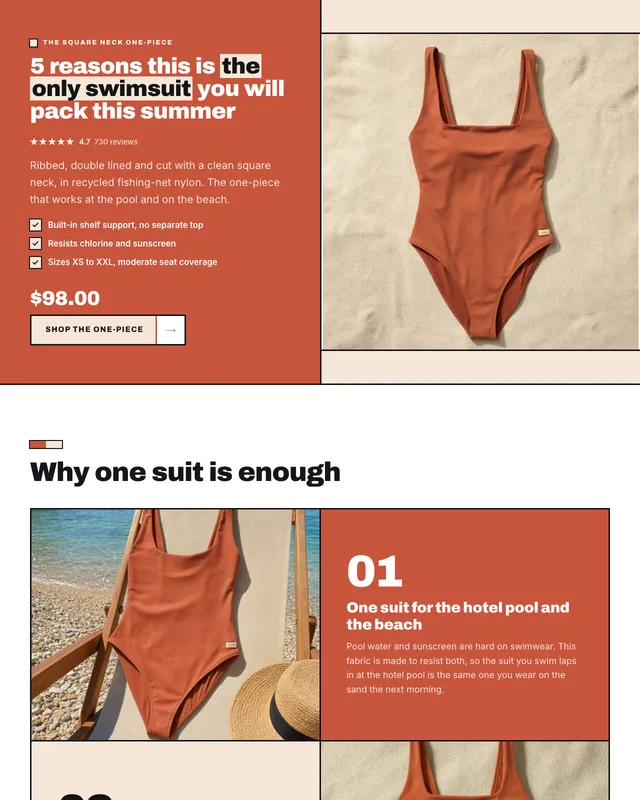
Not a template with blanks to fill
BrandyBee writes the page from your product data and your brief, in your brand voice and the page's language. Reviews and your guarantee are the only parts you add yourself. Then you change any line in a live preview.
- The offer, set up properly. Percent off, an amount off, a free gift or free shipping, with your store's discount code on the buy button and a countdown that ends on its own.
- Bundles that do the math. Quantity breaks or a set of products, with totals and savings worked out from your real prices.
- Proof from your store, never invented. Ratings and review counts come from your store's reviews app. BrandyBee never writes reviews, and a page with a rating, review count or customer count typed into its headlines or text does not publish.
- Checks before it goes live. A missing discount code, an offer that already ended or an advertorial without its ad label is flagged before you publish.



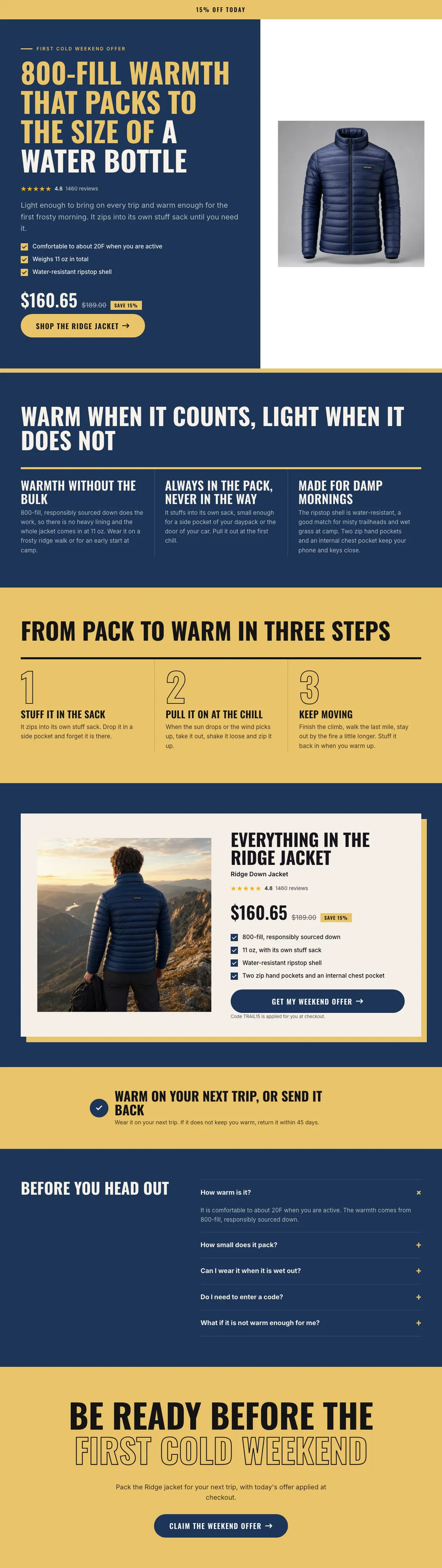
Live on your store, inside your own theme
The page goes live as its own page on your Shopify store, between your theme's header and footer, with its own link for your ads.
- Prices stay current. Once the one-time theme setup is done, prices, savings and ratings on the page follow your store, so you don't republish when they change.
- Set up once. Create one landing page template in your theme editor and add the BrandyBee landing page block to it. Every page after that uses it.
- Take it down when the campaign ends. Hide a page or delete it from your store without leaving BrandyBee.
- Not on Shopify? Download any page as an HTML file and put it on your own site.
From a brief to a live page
- 01
Pick the product and the page
Choose the products, the page type, the design and the offer, and say which ad or campaign the page is for.
- 02
Get the page written
The headline, reasons, steps, offer card, questions and closing are written from your product data in your brand voice. Edit any line, switch sections off or change the colors.
- 03
Publish or download
Publish to your Shopify store as its own page, with one click once the template is set up, or download the page as an HTML file.
- ShopifyImport your products and publish the results back to your store.
- Instagram and FacebookPublish posts straight to your account and your Page.
- GoogleSearch Console, Analytics and Merchant Center data, next to your products.
- Any other storeAdd a product page URL and BrandyBee reads the product from it.
What is an e-commerce landing page?
A landing page is built for one purpose rather than one product: a launch, a bundle, a seasonal sale or the click from a single ad. Everything on it argues for one action, so nothing pulls the shopper away from it.
A product page has to serve everyone who arrives from anywhere, so it stays general. A landing page knows which ad the shopper clicked and carries that ad's promise straight into the headline, which is why landing pages are the usual destination for paid traffic.
Which landing page should you build?
Match the page to the job. An offer page turns a discount ad into sales. A listicle or an advertorial warms up cold traffic that has never heard of the brand. A sale page runs a short campaign across several products, a bundle page raises order value, and a launch page collects sign-ups before a product ships.
What makes a landing page convert?
The headline continues the promise the ad made. There is one obvious action, not five. Proof sits where the doubt appears, the offer is clear about the code and the deadline, and the questions that stop a purchase are answered on the page. The first point matters most: a headline that ignores the ad loses the shopper before anything else is read.
Selling one product to every visitor? The product page builder builds the permanent product page. Running ads? The ad creative generator makes the ads these pages are built to continue.
Landing page builder questions
It builds complete campaign landing pages for e-commerce brands. You pick the products, the page type, the design and the offer, and BrandyBee writes the page from your product data in your brand voice; only reviews and your guarantee are left for you to add. You edit the page in a live preview and publish it to your Shopify store as its own page, or download it as an HTML file.
Six types: an offer page for one product and one offer, a listicle of reasons to buy, an advertorial that tells a story and is labeled as an ad, a sale page for several products with a countdown, a bundle page with quantity breaks or a set of products sold together, and a launch page with a waitlist. Any type works in any of the 14 designs.
A product page sells one product to everyone who finds it, so it covers everything. A landing page is built for one campaign or one ad, so it makes one argument and asks for one action. Use the product page as the permanent home of a product, and a landing page as the place a specific ad sends people.
Yes. Each page goes live on your Shopify store as its own page, inside your theme's header and footer, with its own link. The first time, you create one landing page template in your theme editor and add the BrandyBee landing page block to it; every page after that uses it. You can hide or delete a page from BrandyBee when the campaign ends.
No. Without a connected Shopify store you can still build a page and download it as an HTML file to put on any website. Publishing straight to a store, a button that adds a whole set to the cart in one click, discount codes applied on the buy button, waitlist sign-ups and prices that stay current need a connected Shopify store.
Create the discount code in your store first, then add it to the page's offer. The page applies it on the buy button, so shoppers do not have to type it. Give the offer an end date and the page shows a countdown; when the time is up, the countdown disappears and the page shows the message you wrote for after the offer. On a published page this needs the one-time landing page template.
Every design is drawn in your brand's two colors, which BrandyBee takes from your brand profile, and you can change them per page. A published page sits inside your own theme's header and footer, so it reads as part of your store.
No. Ratings and review counts on the page come from your store's reviews app and update with it. BrandyBee never writes reviews, and it will not publish a page with a rating, review count or customer count typed into its headlines or text, because those numbers would go out of date or be made up.
Yes, once the one-time landing page template is set up in your theme. Prices, compare-at prices, savings and ratings on a published page then follow your store, so when you change a price in Shopify the page shows the new one without being republished.
Each landing page costs 40 credits on every plan, including the free plan. Editing a page, changing its design or colors and republishing it do not cost extra credits.
Give every ad its own page
Start free and build your first landing page from a product you already sell.